Courier Agency
GitHubGitHub (opens in a new tab)
  • Introduction
    • Recommendation
    • Installation
    • Prepare Flutter Environment
    • Change api server details
    • Change app logo
    • Change app name
    • Change android luncher icon
    • Change android package name
    • Generate Debug Apk
    • Generate Signed Apk
    • Preliminaries
    • Register your app on App Store Connect
    • Register a Bundle ID
    • Create an application record on App Store Connect
    • Review Xcode project settings
    • Updating the app’s deployment version
    • Add an app icon
    • Create a build archive and upload to App Store Connect
    • Update the app’s build and version numbers
    • Create an app bundle
    • Release your app on TestFlight
    • Release your app to the App Store
    • Requirements
    • Installation
    • Dashboard
    • Orders
    • Stores
    • Users
    • API Docs
    • Reports
    • Authentication
    • Dashboard
    • Orders
    • Complete & Return Orders
    • Reports
Getting Started
Change android luncher icon

Change android luncher icon

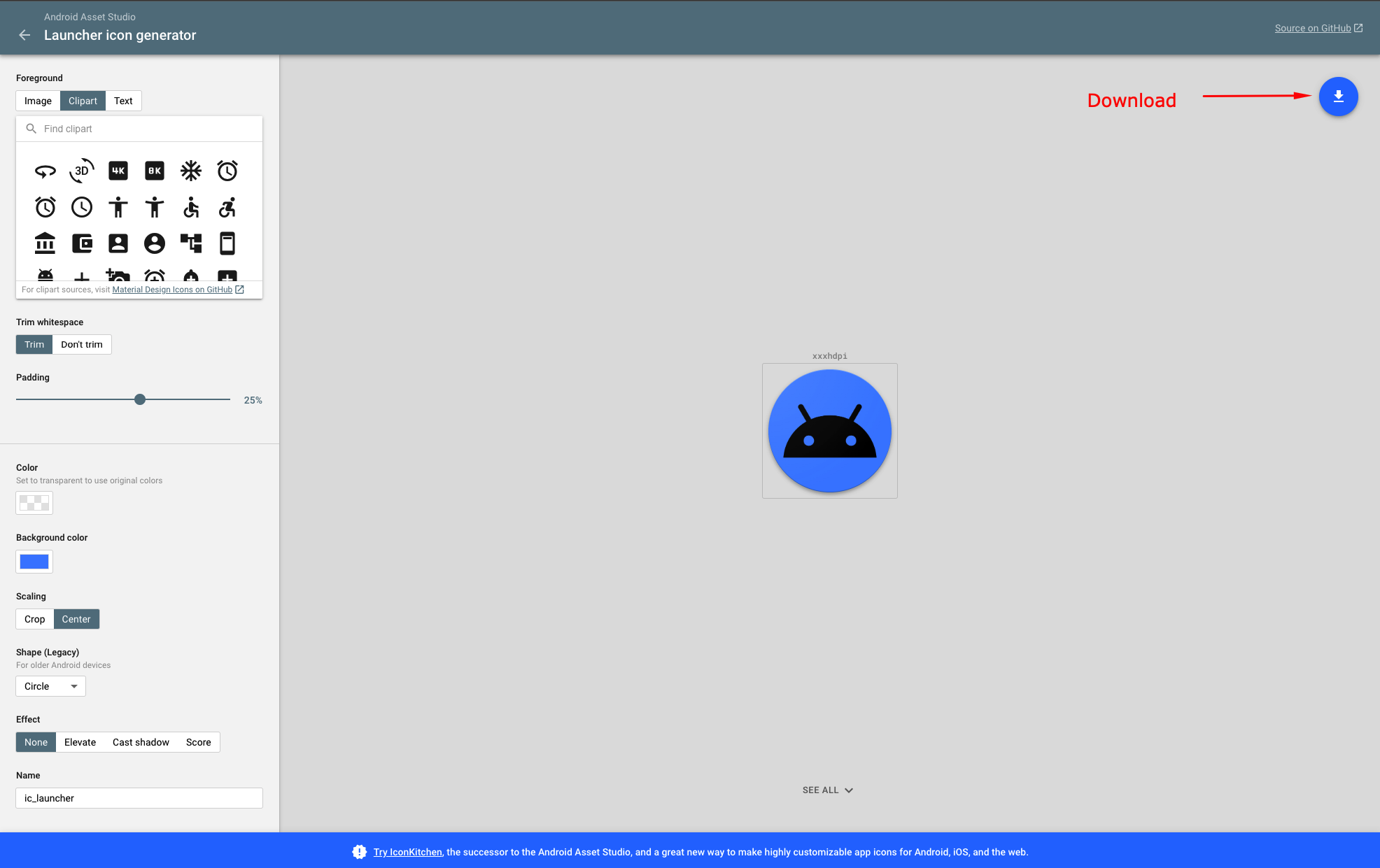
  • Open this link (opens in a new tab) from your browser.
  • Create your desired launcher icon and download.
inline-preview-image

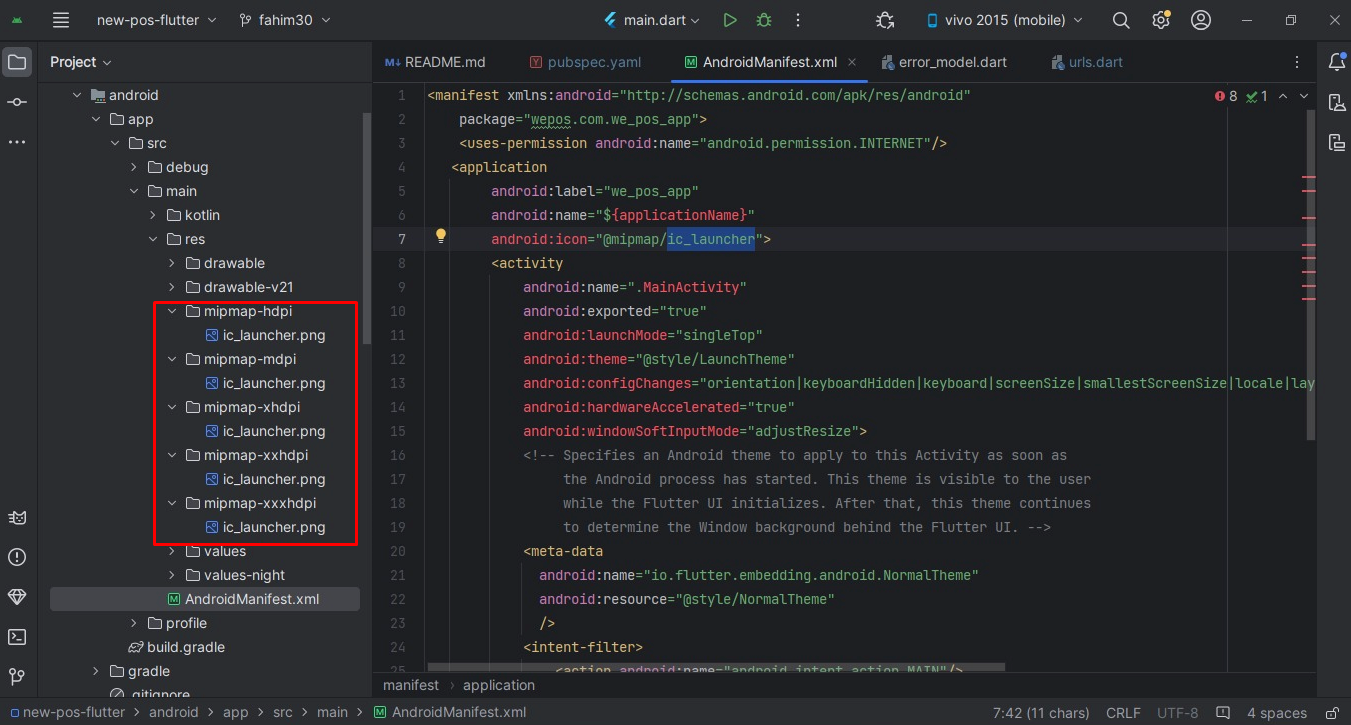
Extract the downloaded zip file. Go to Project » android » app » src » main » res and replace existing files with your extracted files.
inline-preview-image

Change app nameChange android package name

Copyright © All rights reserved. Development by TargetDevs